Patient One-on-One Tech Lessons in Midland & Perth

Learn to Use Your iPhone, Laptop or Computer With Confidence
Looking for patient, one-on-one technology lessons near Midland, Perth? Tony’s Tech Support provides personalised technology help for people who want to feel more confident using their devices.
Whether you need help learning to use an iPhone, understanding your laptop, setting up a new computer, managing emails or getting comfortable with everyday technology, I can guide you through it step by step.
I understand that technology can sometimes feel confusing or overwhelming, particularly when instructions move too quickly or assume you already know what to do. My approach is simple: I explain things in plain English, work at your pace and focus on what you actually want to learn.
No question is too simple, and there’s no need to feel embarrassed about asking for help.
I offer personalised, one-on-one technology lessons, with remote support and in-home appointments available depending on your location and requirements.
Book a session with Tony’s Tech Support and learn at your own pace.
Personalised Technology Lessons for Everyday Life
Everyone uses technology differently. That’s why I tailor each session to your needs, rather than following a rigid lesson plan. You can bring a list of questions, work through a particular problem or learn something completely new. I’ll explain each step, demonstrate what to do and give you the opportunity to practise it yourself.
My technology lessons can help you become more comfortable with:
iPhone and Smartphone Lessons Learn how to use your iPhone more confidently, including: * Making and receiving calls and text messages. * Adding contacts and managing your address book. * Taking photos, finding pictures and sharing them with family. * Using email, internet browsing and everyday apps. * Installing and updating applications. * Understanding iCloud, Apple Accounts and device settings. * Managing notifications, storage and privacy settings. * Recognising suspicious text messages, scam calls and online scams. * Using Face ID, passwords and other security features. Whether you’ve recently purchased an iPhone or have owned one for years but still find certain features confusing, I can help you understand how to use it.

Laptop and Computer Lessons
Need help getting more comfortable with your Windows laptop, desktop computer or Apple Mac?
I can guide you through everyday computer tasks, including:
* Understanding your computer’s desktop, menus, windows and settings.
* Using a keyboard, mouse, trackpad and touchscreen.
* Browsing the internet and finding reliable information.
* Creating, saving, organising and finding files.
* Using USB drives and external storage devices.
* Installing and updating software.
* Managing computer storage and understanding cloud services.
* Connecting printers and other accessories.
* Learning the basics of Microsoft Word, Excel and Outlook.
* Understanding Windows and macOS updates.
* Improving your online safety and recognising common scams.
Lessons are tailored to your computer and your experience level, so you can concentrate on the things that matter most to you.

Learn to Use AI Tools and Modern Technology
Artificial intelligence is becoming part of everyday life, and you don’t need to be a technology expert to start using it.
I can help you understand and learn to use AI tools such as ChatGPT, Microsoft Copilot, Google Gemini and other commonly used AI assistants.
Depending on your needs, lessons can cover:
* Understanding what AI tools are and how they work.
* Asking AI questions and getting useful answers.
* Using AI to help draft emails, letters and documents.
* Learning how to use AI to research topics and understand unfamiliar information.
* Getting help with everyday computer tasks and technology questions.
* Understanding the limitations of AI-generated answers.
* Recognising privacy risks and knowing what information not to share with AI tools.
AI tools can be useful for everyday tasks, but it’s important to understand that their answers aren’t always correct. I’ll help you learn how to use them thoughtfully, safely and confidently.
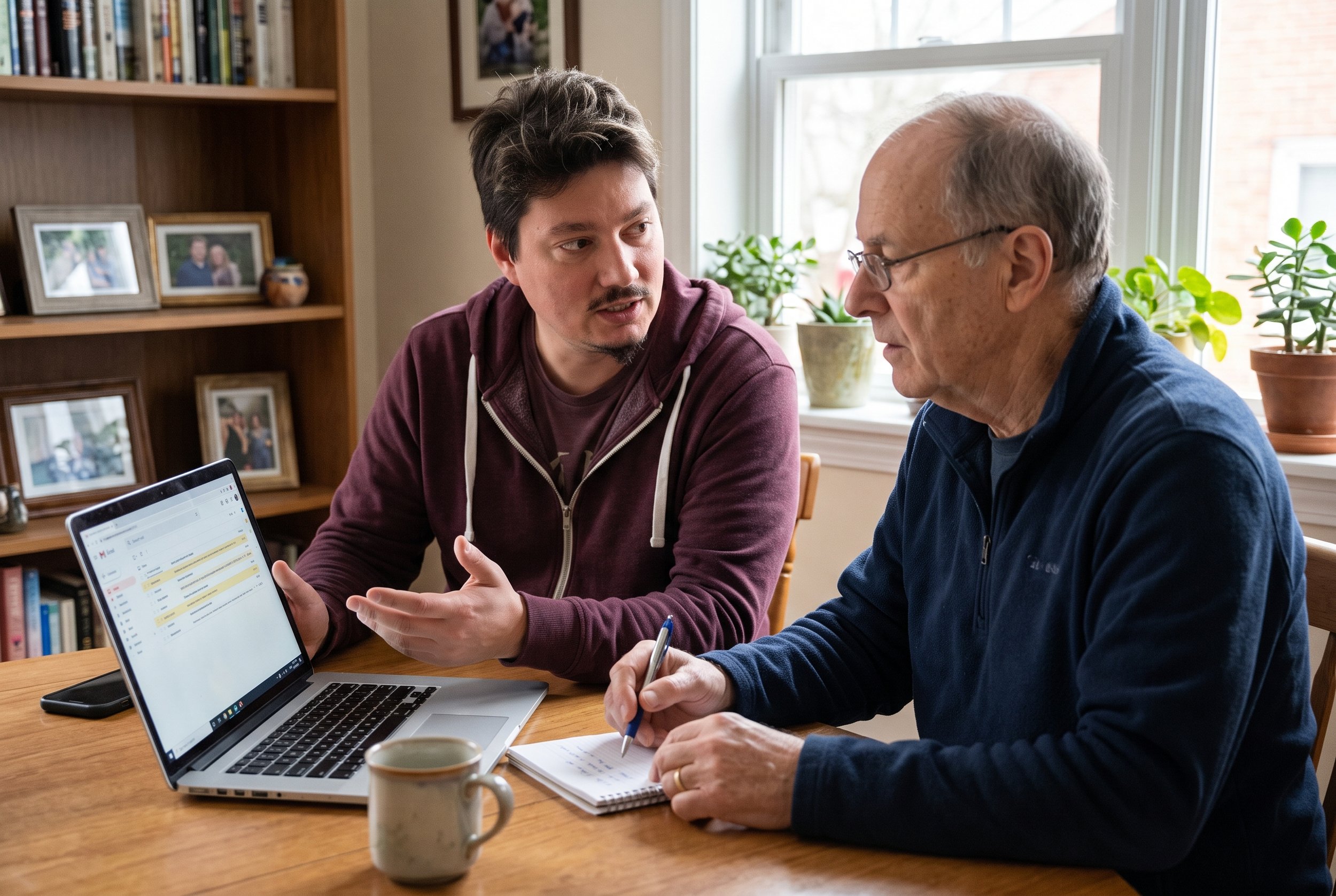
Email, Photos and Staying Connected
Technology makes it easier to stay in touch with family and friends, but getting everything working together can sometimes be tricky.
I can help you learn how to:
* Send, receive and reply to emails.
* Attach photos and documents to messages.
* Organise your inbox and find important emails.
* Use video calling applications.
* Transfer photos between your phone and computer.
* Back up important photos, documents and other files.
* Understand the difference between device storage and cloud storage.
* Share documents and photos with family.
* Access online accounts and manage passwords more safely.
If you want to send photos from your iPhone to your computer, join a video call with family, or simply feel more comfortable using email, we can work through it together.

Online Safety, Passwords and Avoiding Scams
Staying safe online is an important part of using technology confidently.
I can help you understand common online risks and learn practical ways to protect yourself, including:
* Recognising suspicious emails, text messages and websites.
* Identifying common scams and misleading messages.
* Understanding passwords and password managers.
* Enabling two-factor authentication where appropriate.
* Recognising fake technical support warnings.
* Keeping your devices and software up to date.
* Understanding privacy settings on your devices and accounts.
My goal is to help you feel more confident making decisions about your technology, not simply to fix a problem for you.

Patient Technology Help for Seniors and Beginners
If you’ve ever felt left behind by technology, you’re not alone.
Phones, computers and online services change constantly. Even people who have used computers for years can get confused by a new update, a changed setting, or an unfamiliar application.
At Tony’s Tech Support, I provide friendly, personalised assistance for people who want to learn without feeling rushed.
My approach is particularly suitable for:
Seniors who want to become more confident using technology.
Beginners learning to use a computer or smartphone.
Adults who want to improve their digital skills.
People who have purchased a new iPhone, laptop or computer.
Anyone who wants to understand their devices rather than rely on someone else for every task.
People who need help with a specific application, online service or everyday technology problem.
You don’t need to know the technical terminology or prepare anything complicated before your appointment. Just tell me what you’d like to learn, and we’ll take it from there.
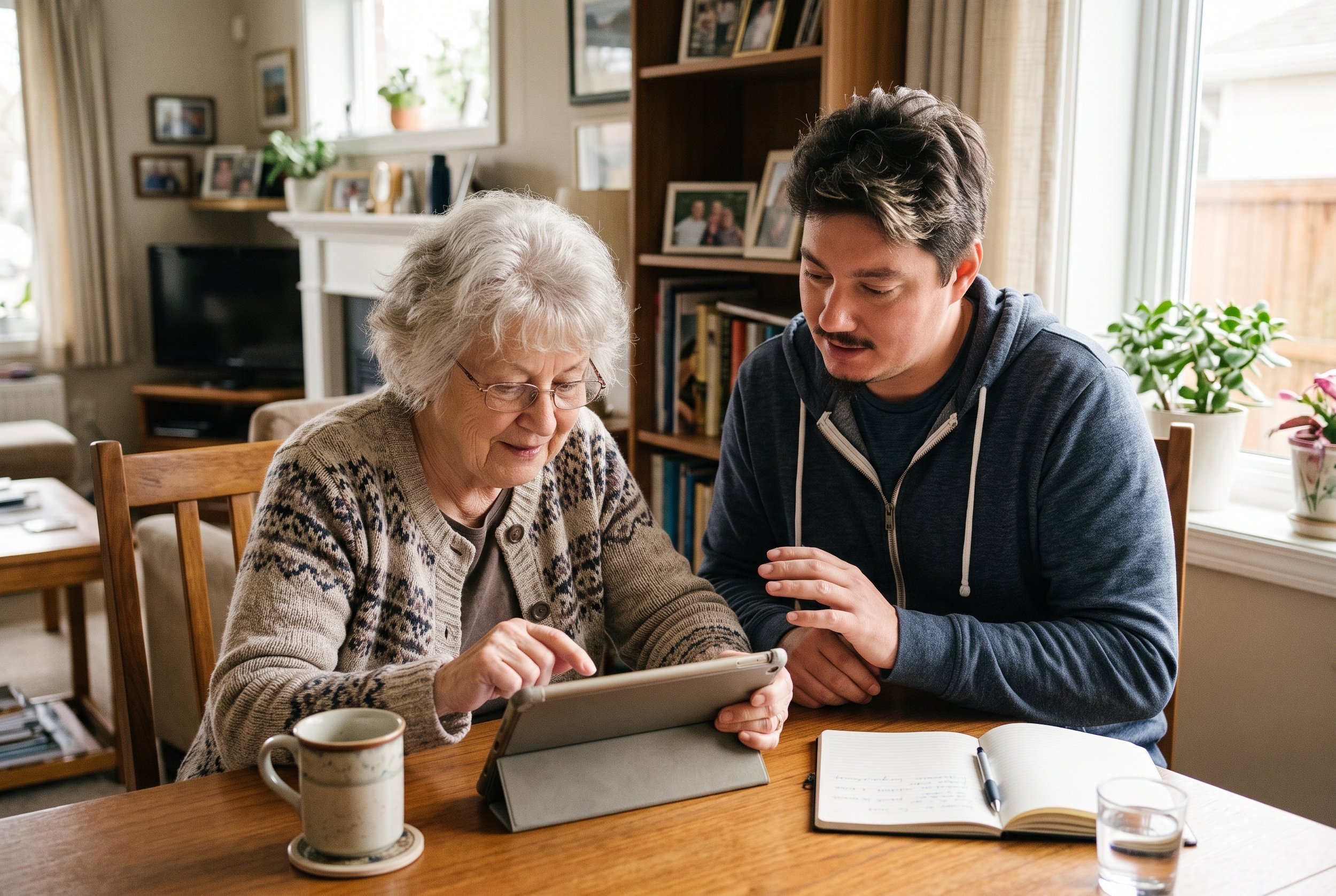
One-on-One Tech Lessons Near Midland, Perth
Tony’s Tech Support provides technology assistance for customers in Midland and Perth’s eastern suburbs, with remote support also available.
Depending on your location and the type of help you need, you may be able to arrange:
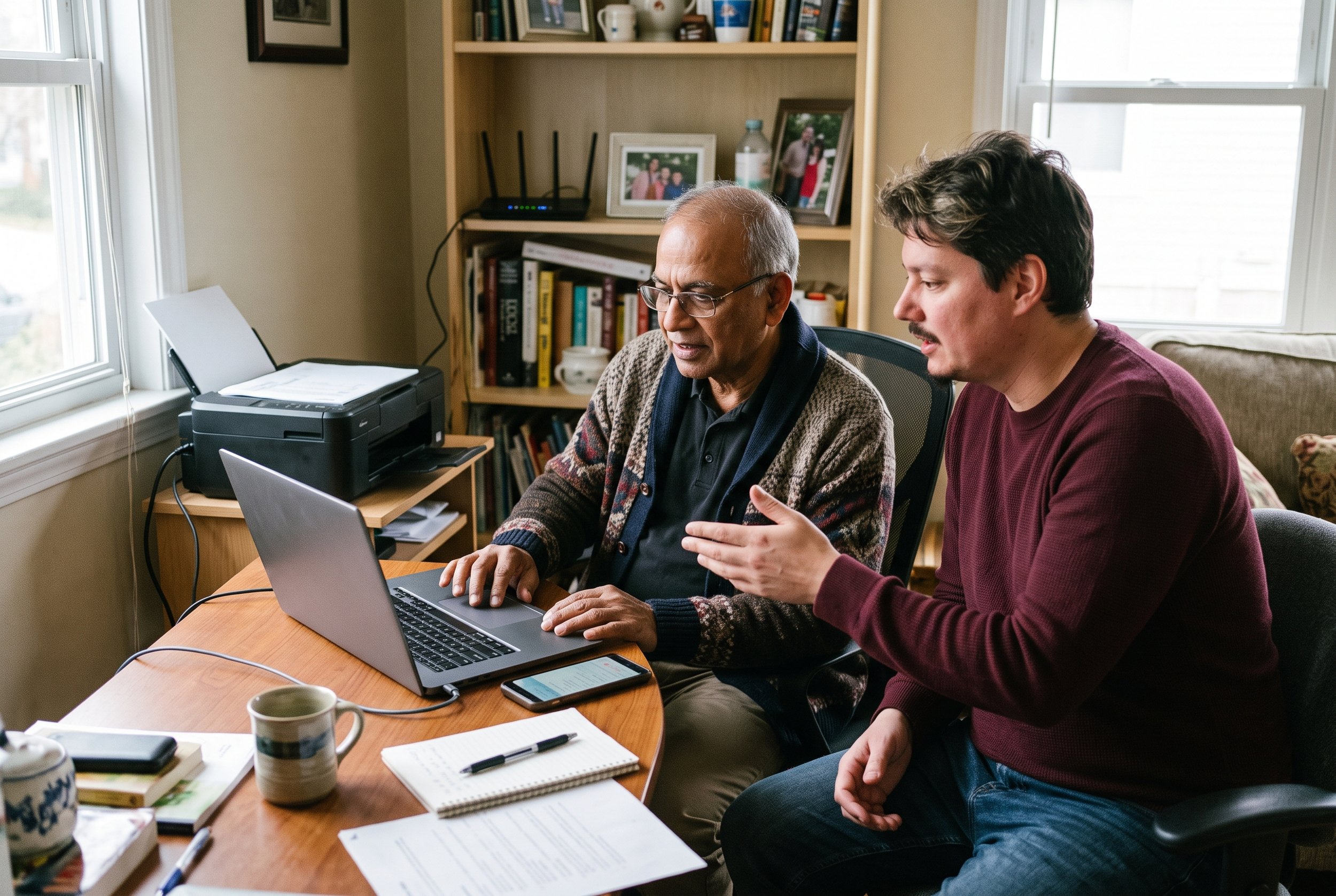
In-home technology lessons
Learn on your own devices in the comfort of your home. This can be particularly useful if you want help with your home computer, Wi-Fi, printer, smartphone or the way your devices work together.
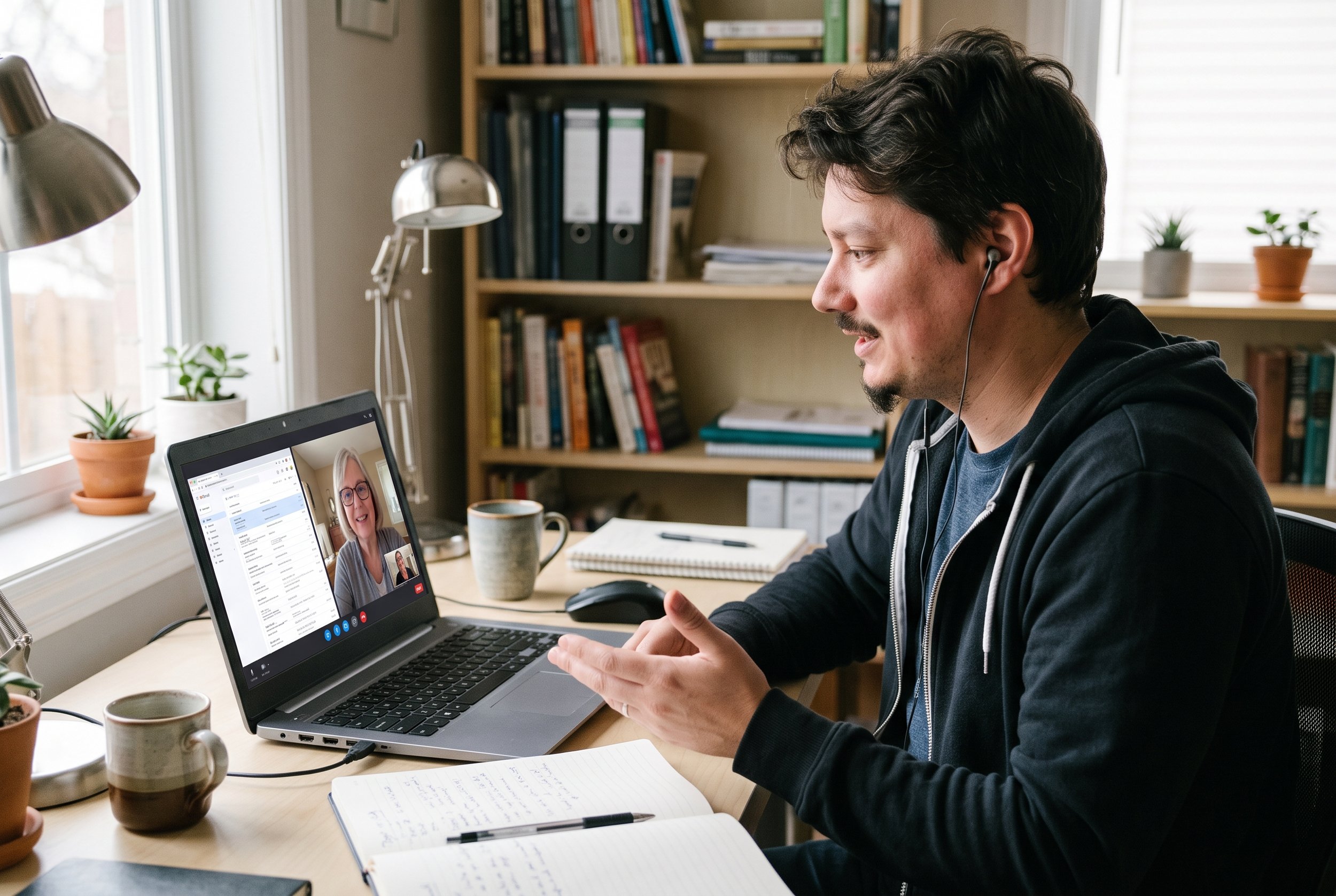
Remote technology lessons
Get help without needing a technician to visit your home. Remote sessions can be suitable for many software questions, computer lessons, account settings and general technology guidance.
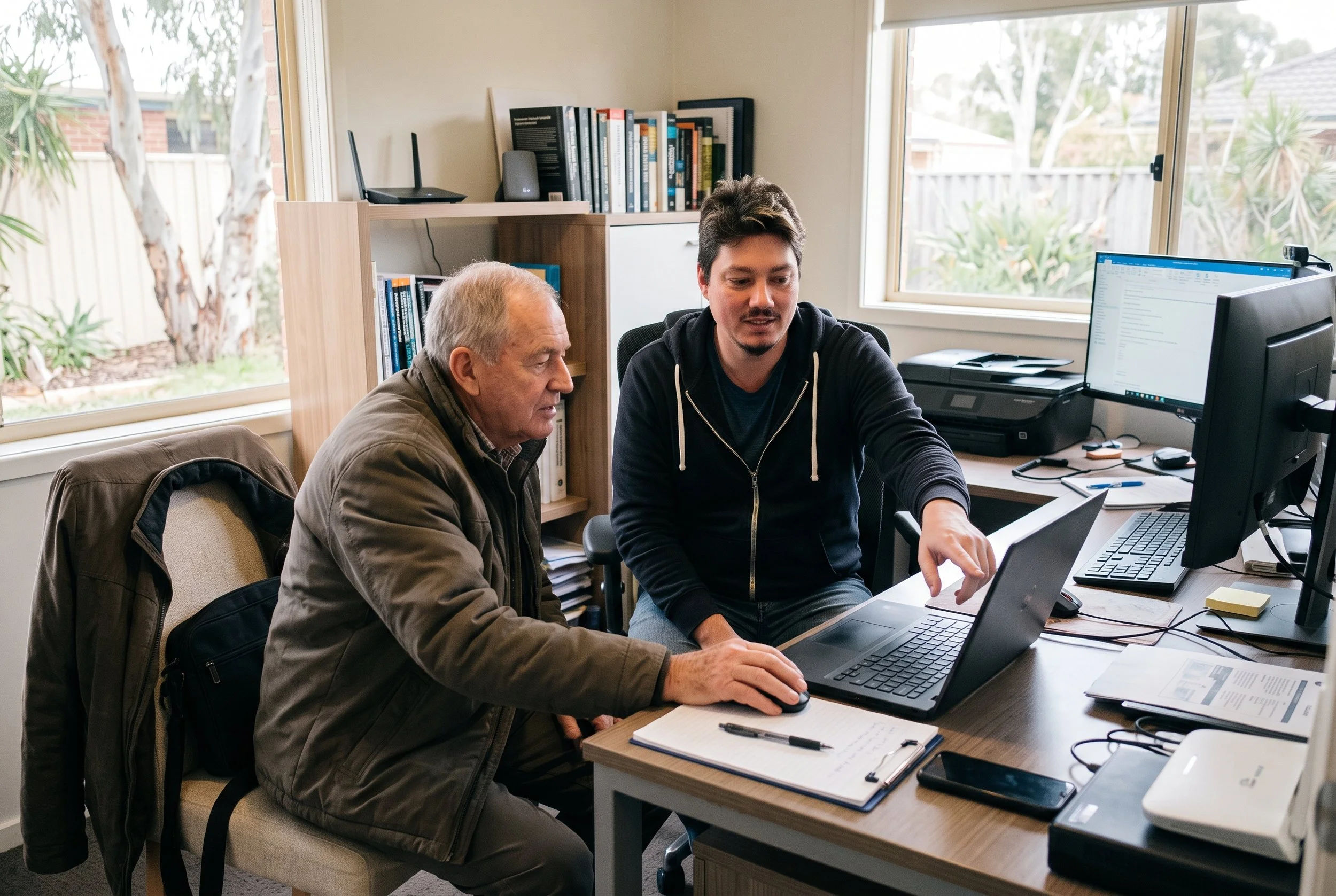
Appointments at my home office in Hazelmere
Depending on the session and your requirements, you may be able to arrange an appointment at my home office in Hazelmere.
I operate by appointment rather than from a traditional walk-in shop. Please contact me to discuss your location and preferred appointment arrangement.
If you’re looking for one-on-one computer lessons in Midland, iPhone help in Perth’s eastern suburbs or patient technology support at home, I can help you work out the most suitable option.
How Do the Technology Lessons Work?
Getting started is straightforward.
When you get in touch, explain what you’d like help with. It might be learning to use your iPhone, understanding your laptop, organising photos or becoming more confident online.
Tell me what you’d like to learn.
1
I’ll discuss your requirements and whether an in-home appointment, remote session or appointment at my Hazelmere home office is the best fit.
We’ll work out the best approach.
2
During your session, I’ll explain things clearly, demonstrate the steps and help you practise them yourself. You can ask questions whenever you need to.
Learn at your own pace.
3
Build your confidence.
4
The aim is to help you understand what you’re doing, so you can feel more comfortable repeating those tasks independently after the session.
If you need further help later, you can arrange another appointment to work through additional questions or learn something new.
How Much Do One-on-One Tech Lessons Cost?
Tony’s Tech Support charges $99 per hour for standard technology support, including personalised computer and device assistance, effective from 1 October 2026.
The standard hourly rate includes GST.
The final cost of an appointment may depend on the time required, your location and whether an applicable travel or call-out fee applies to an in-home visit.
Before proceeding, you can discuss your requirements with me so you understand the expected cost and the type of assistance available.
If you’re unsure how much time you’ll need, that’s perfectly fine. Tell me what you’d like to learn, and we can discuss a suitable starting point.
For further information, visit the Services and Appointments pages on the Tony’s Tech Support website.
Why Choose Tony’s Tech Support?
-
Your session is based on your questions, your devices and the things you want to learn.
-
I explain technology in plain English and break unfamiliar tasks into manageable steps.
-
There’s no need to feel embarrassed about asking questions or repeating a step. The goal is to help you understand and become more confident.
-
I provide support for a range of everyday technology, including iPhones, Windows computers, Apple Macs, software and connected devices.
-
Rather than focusing only on technical theory, lessons concentrate on the tasks you want to complete in your everyday life.
-
I operate from Hazelmere and provide assistance to customers in Midland and surrounding Perth areas, subject to location and appointment availability. Remote support is also available for suitable tasks.
With more than 16 years of IT industry experience,
I bring practical technical knowledge to help people understand and use their devices.
Frequently Asked Questions
-
Yes. Tony’s Tech Support provides personalised, one-on-one technology assistance for people in Midland and the surrounding Perth eastern suburbs. Lessons can cover iPhones, Windows laptops, Apple Macs, email, photos, internet use, software and everyday technology. In-home and remote options are available depending on your location and requirements.
-
Yes. I can guide you through using your iPhone, including calls, messages, contacts, photos, email, applications, settings, iCloud and online safety. Sessions are tailored to your experience level and the features you want to understand.
-
I provide personalised technology assistance for seniors, beginners and anyone who wants to become more confident using their devices. I explain things in plain English, work through tasks step by step and give you time to practise.
-
Yes. I can help you understand how your devices work together, including transferring photos, accessing email, sharing files and understanding cloud storage. The exact steps will depend on your devices, accounts and what you want to achieve.
-
In-home appointments may be available in Midland and surrounding Perth suburbs, depending on your location and scheduling. Contact me to discuss your address, what you’d like to learn and whether an in-home visit is suitable.
-
Yes. Remote support is available for suitable tasks, including software guidance, computer lessons and general technology questions. I’ll help determine whether your particular requirements can be handled remotely.
-
Yes. I can help you get started with AI tools such as ChatGPT, Microsoft Copilot and Google Gemini, including how to ask questions, draft everyday documents, check answers and understand privacy considerations.
-
No. You don’t need any previous technical knowledge. Tell me what you’d like to learn, and I’ll tailor the session to your current experience and requirements.
-
Tony’s Tech Support operates from Hazelmere, Western Australia, with in-home appointments available in surrounding areas depending on location. Appointments are arranged in advance, and remote support is also available. Contact me before visiting my home office.
-
You can contact Tony’s Tech Support through the website to discuss what you’d like help with and arrange a suitable appointment. Please mention the device you’re using, the tasks you want to learn and whether you prefer an in-home or remote session.
Ready to Feel More Confident With Technology?
Whether you’d like to learn how to use your iPhone, get more comfortable with your laptop, organise your photos or understand the latest AI tools, I’m here to help.
You don’t need to figure everything out by yourself. We’ll work through your questions together, one step at a time.
Contact Tony’s Tech Support today to discuss one-on-one technology lessons in Midland, Hazelmere and Perth’s eastern suburbs.